
Application hosting
Static hosting for React, Vue, Next.js, Nuxt, Svelte, and Astro
Build a frontend locally, upload the generated static files to HostRight, configure SPA routes, connect a domain, and enable SSL.
Static hosting is the simplest way to publish HTML, CSS, JavaScript, images, and frontend builds. HostRight serves the files from your domain without requiring a Node.js, Python, or PHP process to remain running.
This works well for React, Vue, Svelte, Astro, Vite applications, documentation sites, landing pages, portfolios, and static exports from Next.js or Nuxt.
What you need
- A HostRight hosting account and domain
- A frontend project that can produce static files
- A local Node.js installation for the build step
- Git, SFTP, or the HostRight file manager for deployment
- A domain connected to the correct public directory
Static hosting does not run server-side API routes, server actions, database queries, or long-running Node processes. Put those functions in a separate API or use HostRight's Node.js application hosting.
The static deployment workflow
- Build the project locally with its production command.
- Confirm the generated folder contains
index.html. - Upload the contents of that folder to the domain's public directory.
- Connect the domain and confirm DNS.
- Enable SSL and test both the home page and client-side routes.
Choose the correct output directory
| Project type | Build command | Upload this directory |
|---|---|---|
| React/Vue/Svelte with Vite | npm run build |
dist/ |
| Next.js static export | next build with output: "export" |
out/ |
| Nuxt static generation | npx nuxt generate |
.output/public/ |
| Astro | npm run build |
dist/ |
| Plain HTML/CSS/JS | No build step | Project directory |
Upload the contents of the output directory, not the directory itself, unless the HostRight document root is configured to point at it.
Framework guides
- Host a React app as a static website
- Host a Vue app as a static website
- Host a Next.js static export
- Host a Nuxt static site
- Host a Svelte app as a static website
- Host an Astro site as a static website
Connect the domain
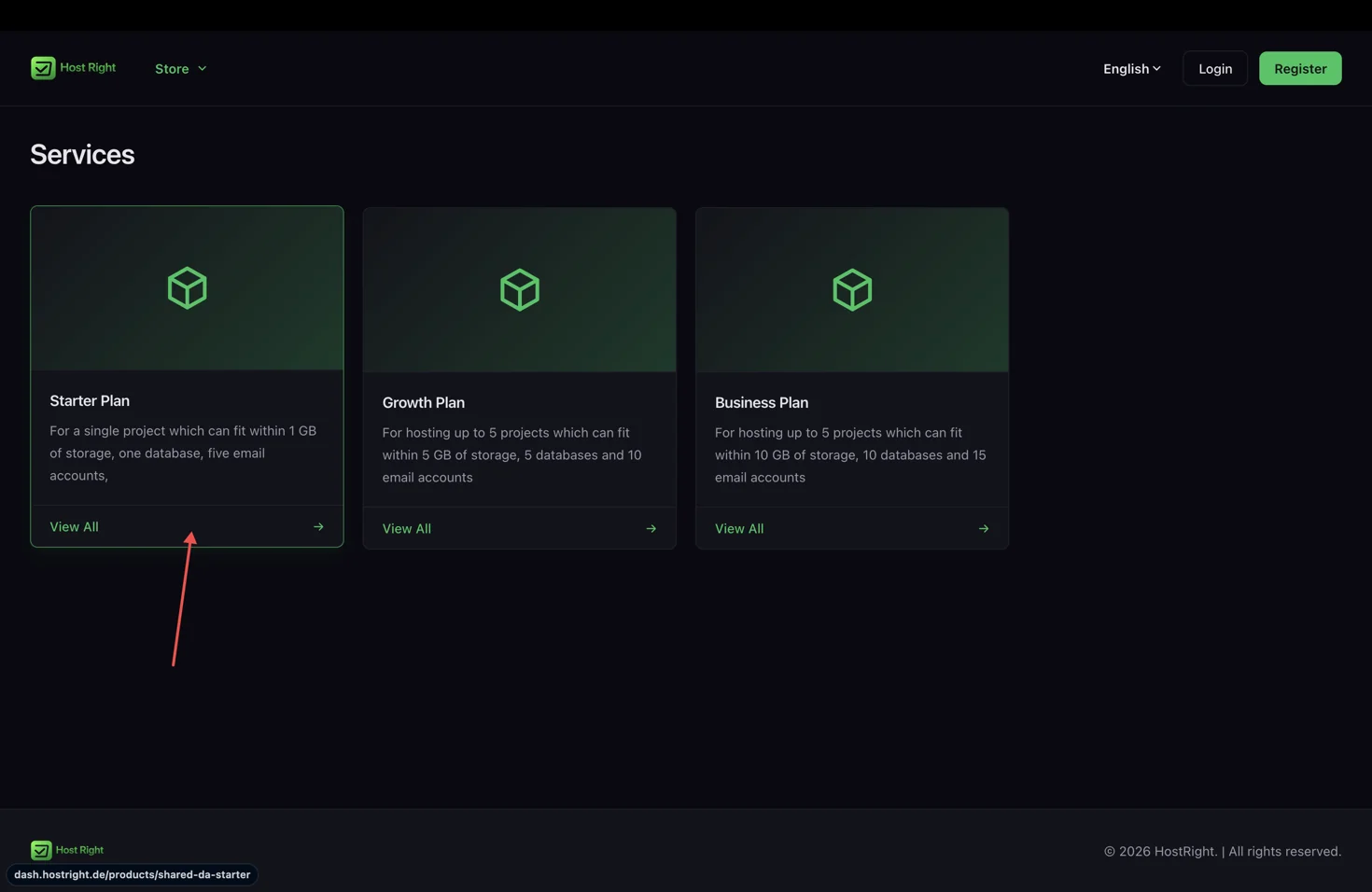
Enter the domain during HostRight service setup, then publish the build into the domain's public directory. The first website guide shows the full order, domain, file manager, DNS, and SSL workflow.
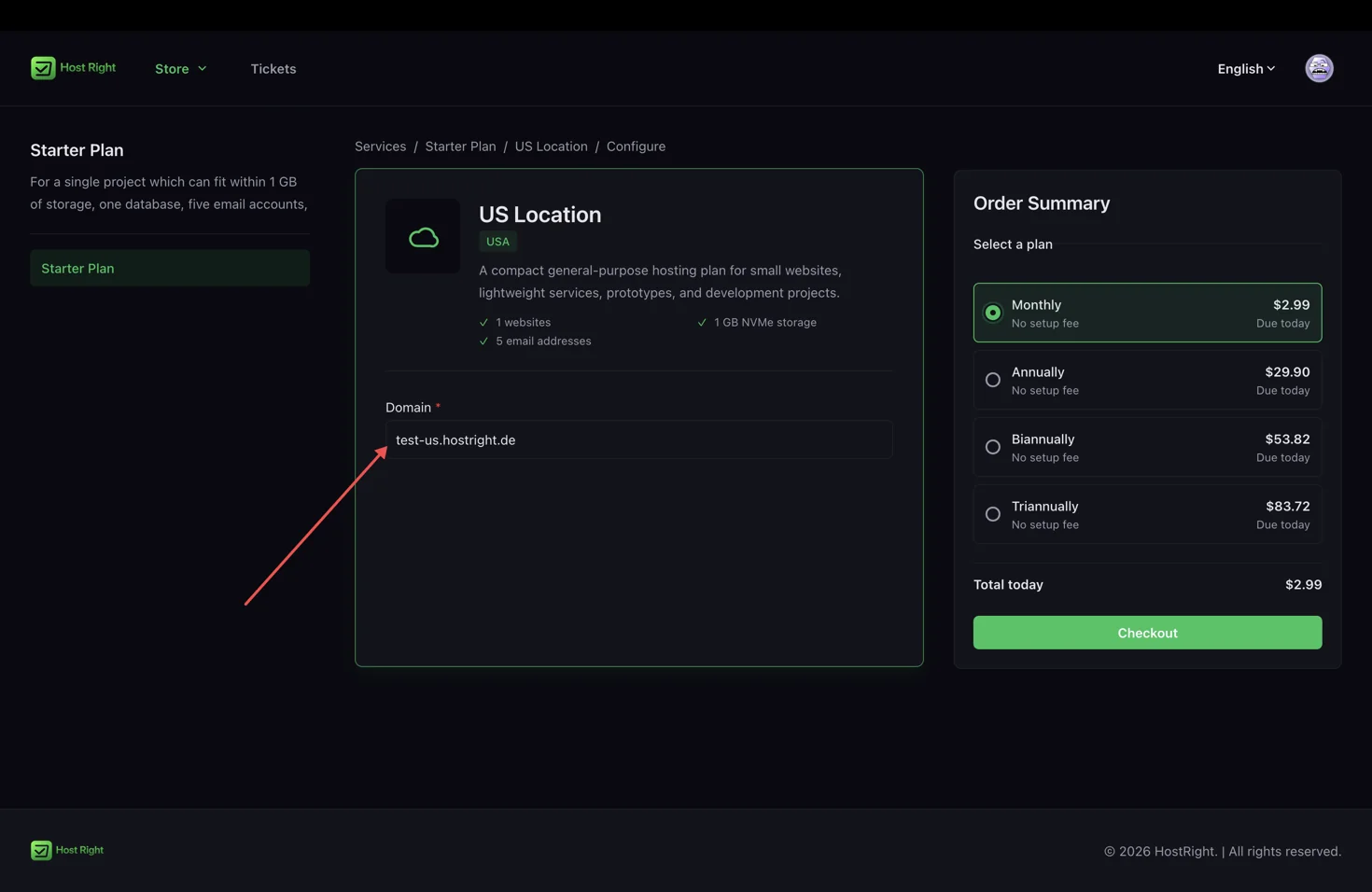
If DNS is managed externally, copy the website A records and keep mail, SPF, DKIM, and MX records intact. Use the external DNS guide when nameservers are not at HostRight.
Upload the build
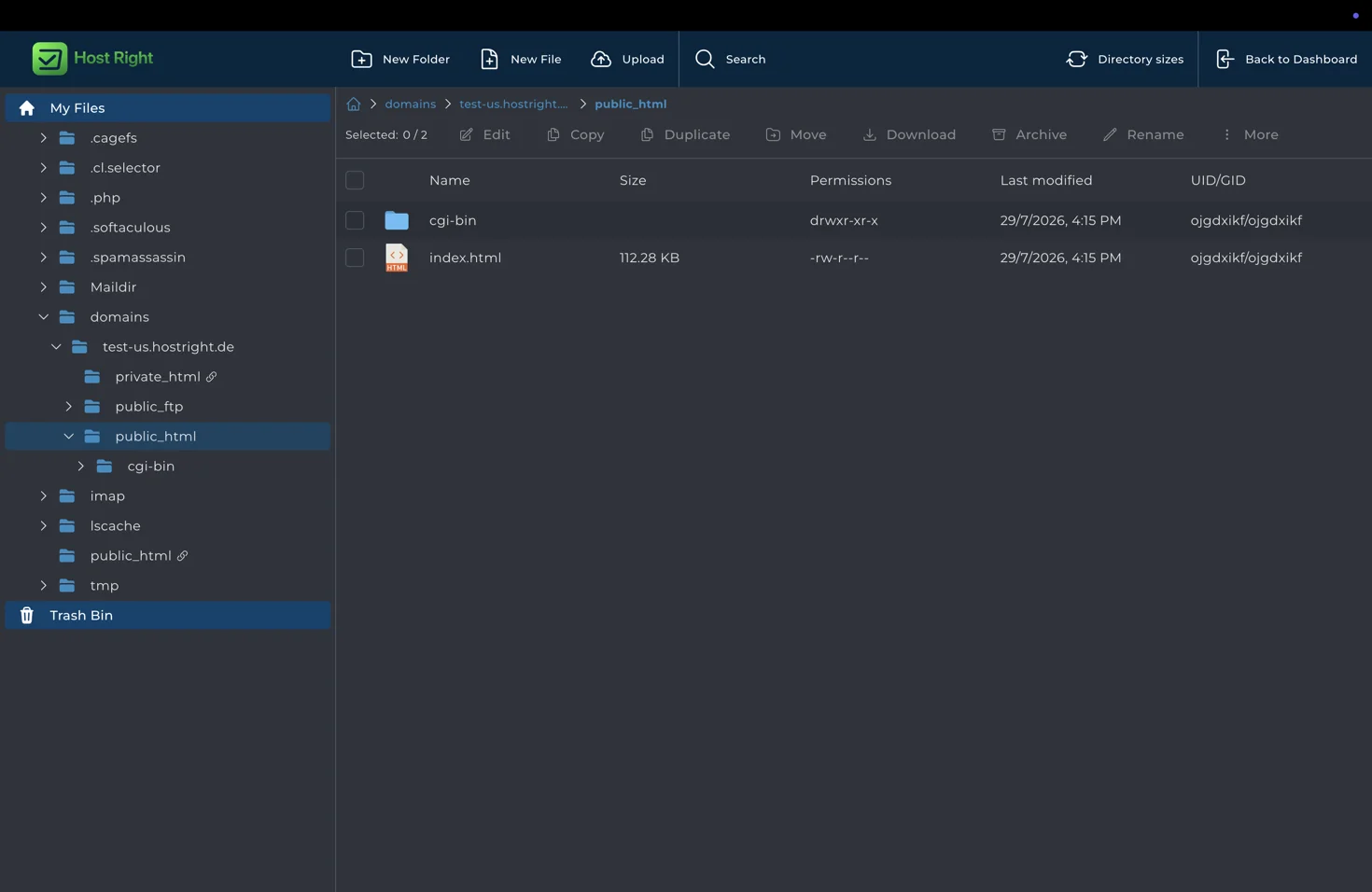
Use Git for repeatable deployments, SFTP for encrypted file transfer, or the Control Panel file manager for a small one-time upload. The public directory should contain the generated index.html and asset folders:
public_html/
├── index.html
├── assets/
├── favicon.svg
└── images/
Configure client-side routing
An SPA may load / successfully while returning a 404 for /about or /dashboard. The web server must route unknown frontend paths back to index.html, or the framework must emit a separate HTML file for each route.
Use framework-specific fallback behavior from the guide for your project. Test direct navigation, browser refresh, internal links, asset paths, and a missing page before launch.
Enable SSL and verify the site
After DNS points to HostRight, open Account Manager → SSL Certificates, request the certificate, and test the site at https://. Confirm that assets load over HTTPS and that redirects do not create a loop.

Static hosting is ideal when the browser can do all of the rendering work. Use an application runtime when the project needs server-side rendering, secrets, database access, API routes, file uploads, background work, or authenticated server logic.